
Download BidTrainer – bridge bidding, learning bridge, bridge strategy, bridge game, bridge app, bridge training, bridge tutorial, bridge practice
Overview
BidTrainer is a dedicated educational mobile application designed to guide users through the intricacies of bridge bidding, a core component of the classic trick-taking card game. The app serves as a structured learning platform for individuals at all skill levels, from beginners seeking foundational knowledge to experienced players aiming to refine their bidding techniques. By simulating real bidding scenarios, BidTrainer enables users to practice decision-making under game-like conditions, reinforcing theoretical understanding with practical application.
The app addresses the common challenge of mastering bridge’s complex bidding language, which often requires extensive study and consistent practice. Its integration of a performance tracking system allows learners to identify strengths and weaknesses, promoting targeted improvement. Target users include students of bridge, hobbyists, and competitive players who want to maintain and enhance their skills.
Developed by Jason K. Menard, the app reflects a focused effort to deliver a streamlined, effective tool for bridge education. While the developer did not provide additional technical details, the app’s purpose is clear: to transform bridge bidding from an intimidating process into an accessible, engaging experience.
In the mobile app ecosystem, BidTrainer fills a niche for specialized educational tools that combine learning with gamified motivation, making it a valuable resource for the bridge community.
Key Features & Functionality
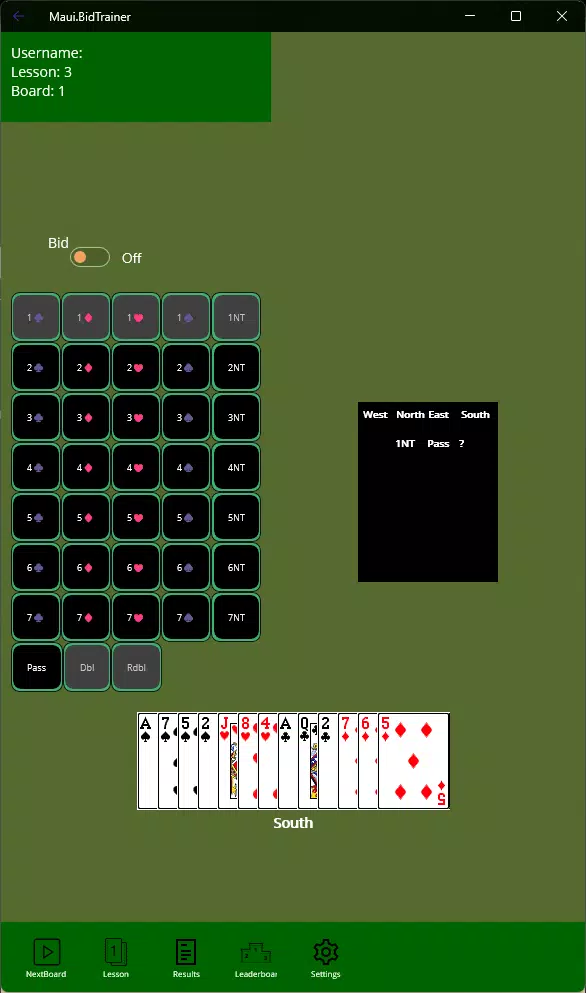
- Interactive Learning Experience: Users engage directly with bidding scenarios, making choices that simulate real gameplay. This hands-on method enhances retention by encouraging active participation rather than passive reading.
- Comprehensive Bidding Rules: The app covers a wide range of bidding systems and strategies, allowing users to explore different approaches and understand the logic behind each bid.
- Leaderboard Competition: A built-in leaderboard tracks user performance, fostering friendly competition and encouraging consistent practice to climb rankings.
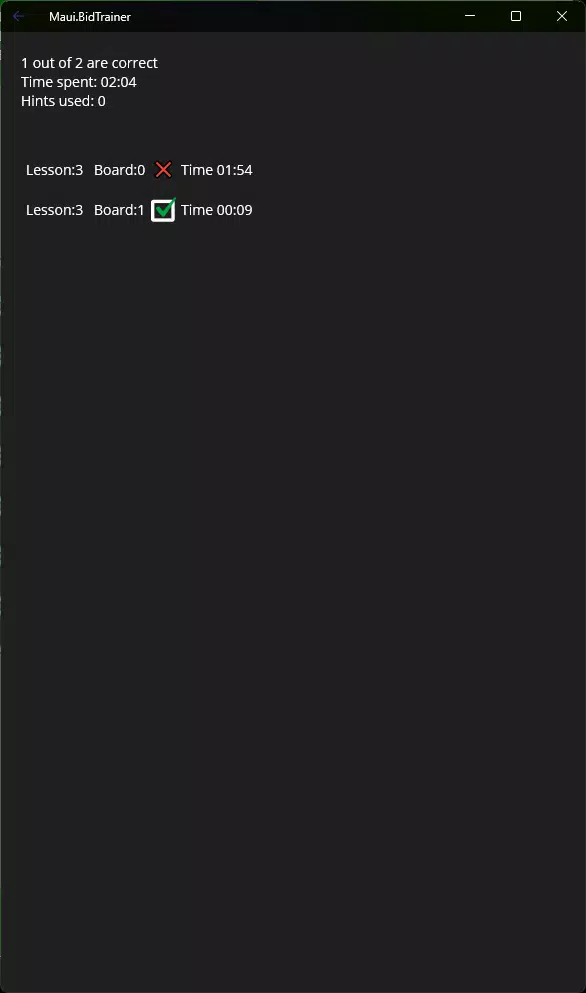
- Performance Tracking: Users can review past sessions and scores to analyze progress over time, identifying patterns in decision-making and areas requiring further study.
- User-Friendly Interface: The clean, intuitive design ensures that navigation is straightforward, allowing users to focus on learning without being distracted by complex menus or layouts.
For example, a beginner might use the interactive feature to practice opening bids with various hand shapes, receiving immediate feedback on correctness. An advanced player could use the performance tracking to assess their consistency in competitive bidding sequences. The leaderboard adds motivation by enabling users to compare their scores with others, turning practice into a measurable challenge. These features collectively create a dynamic learning environment where theory and application are seamlessly integrated, supporting both self-paced study and skill refinement.
Interface, UX & Performance
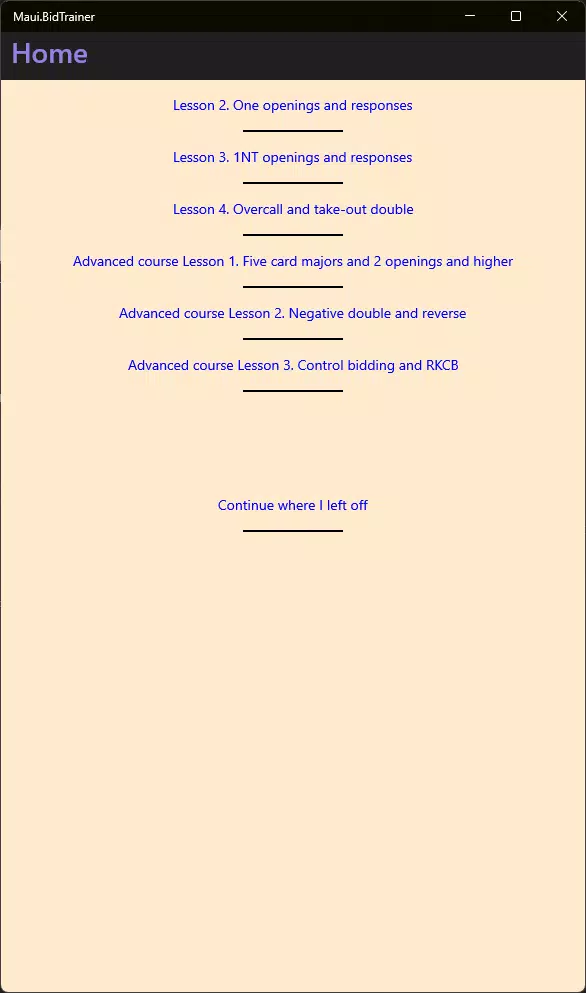
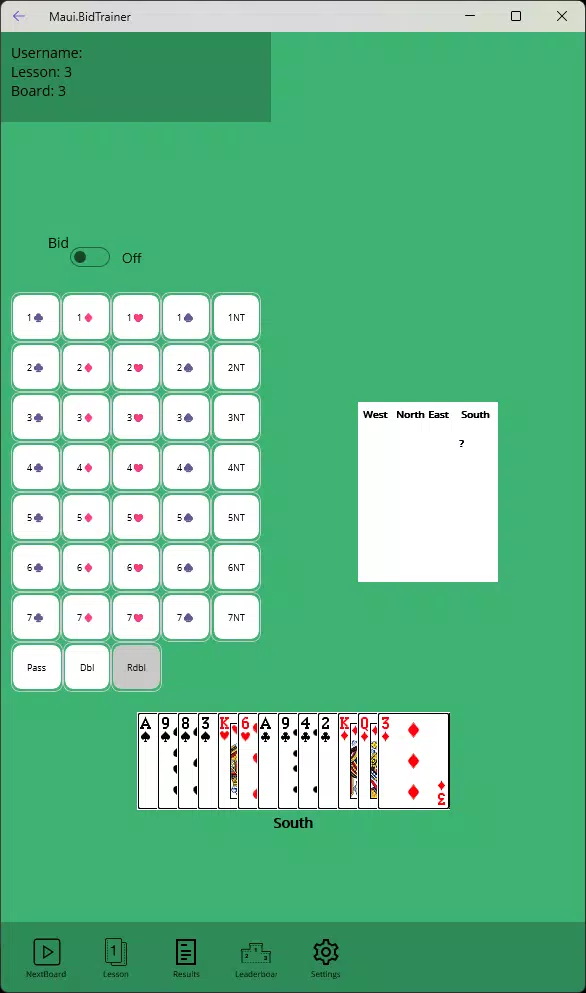
BidTrainer features a clean, minimalist interface designed to minimize cognitive load during learning. The layout prioritizes clarity, with bidding options clearly presented and interactive elements well-spaced for ease of use. Navigation is intuitive, allowing users to move between lessons, practice sessions, and performance reviews without confusion.
The app’s visual style is functional rather than ornamental, focusing on readability and usability across different screen sizes. Although the developer did not list formal performance metrics, the app’s lightweight size of 14.3 MB suggests efficient resource usage, which typically correlates with smooth operation on a variety of Android devices. Responsiveness appears to be well-optimized, as users can expect minimal lag during interactive sessions.
Stability is likely maintained through careful design, given the absence of reported issues in the release notes. The app is suitable for use on both smartphones and tablets, though specific compatibility details were not disclosed. Overall, the user experience is centered on accessibility and efficiency, making it ideal for learners who want to focus on content rather than interface friction.
The app’s performance is expected to be consistent across mid-tier and high-end Android devices, though exact benchmarks were not provided.
Platform Compatibility & Technical Requirements
BidTrainer is available exclusively on the Android platform. The current version is 1.0.1, with a file size of 14.3 MB, indicating a lightweight and efficient application. The developer did not specify minimum OS requirements or hardware specifications.
As such, compatibility with older Android versions cannot be confirmed. Users should ensure their devices meet general Android standards for app installation, such as sufficient storage and a functioning app store. The app is free to download and install, making it accessible to a broad audience.
While the developer did not provide information about updates or future feature plans, the app’s release date of November 28, 2024, suggests it is a recent addition to the market. This timing may indicate ongoing development or responsiveness to user feedback. The absence of detailed technical information does not detract from the app’s core functionality, but users should remain aware that full compatibility may depend on their device’s configuration.
Pros and Cons
- Free to download and use, lowering the barrier to entry for learners
- Interactive learning approach enhances engagement and retention
- Comprehensive coverage of bidding strategies and scenarios
- Leaderboard adds motivation through friendly competition
- Performance tracking supports self-assessment and targeted improvement
- Lightweight size (14.3 MB) ensures fast installation and minimal storage use
- Platform availability limited to Android only
- Developer did not disclose minimum OS or hardware requirements
- No information on update frequency or future development roadmap
- Performance on low-end devices not confirmed
- No integration with external learning resources or community features
FAQ
Is BidTrainer available on iOS?
BidTrainer is currently available only on the Android platform. There is no official iOS version at this time.
Can I use BidTrainer without an internet connection?
Yes, the app is designed to function offline. All core learning and practice features are available without requiring an internet connection.
Is BidTrainer safe to download and install?
Yes, the app is free and distributed through official Android channels. It does not require excessive permissions, and the developer has not reported any security concerns.
How often is BidTrainer updated?
The developer has not provided information about update frequency. The latest version is 1.0.1, released on November 28, 2024.
Does BidTrainer include real-time multiplayer features?
No, the app does not support real-time multiplayer gameplay. It focuses on individual practice and self-assessment.
Final Thoughts
BidTrainer stands out as a focused, effective tool for anyone serious about mastering bridge bidding. Its blend of interactive learning, structured practice, and performance tracking creates a powerful educational experience that is both engaging and practical. The inclusion of a leaderboard introduces a healthy competitive edge, motivating users to improve consistently.
While the app is currently limited to Android and lacks detailed technical disclosures, its lightweight design and free access make it an accessible choice for students and enthusiasts alike. The clean interface and intuitive navigation ensure that users can concentrate on learning without distraction. For those seeking a dedicated, no-frills platform to enhance their bridge skills, BidTrainer delivers clear value.
Whether you're just starting out or looking to refine your technique, this app offers a smart, efficient path forward. Download BidTrainer now.


